Choose a plan
Review the current plans and choose the one that fits your team.
 D.O Command
AN OPERATING SYSTEM FOR REAL WORK
D.O Command brings client records, tasks and business context into one operating environment, so work does not get lost between tools.
Built from real operating problems in service businesses.
D.O COMMANDPRODUCT VIEW01 THE PROBLEM
Client records, tasks and operating context stay together in one workspace.
D.O COMMANDOne environment that keeps work and context connected.
02 HOW IT WORKS
Choose a plan, create your account and organize work in your workspace.
Review the current plans and choose the one that fits your team.
Confirm your email to continue with the selected plan.
Add the business context and team access you need.
Keep client records and tasks together in one workspace.
AIFeatures depend on the selected plan and workspace availability.
03 CAPABILITIES
The available features depend on the selected plan and workspace configuration.
How workspaces are separated04 Product tour
Explore real screens from the public demo, filled with fully synthetic data.
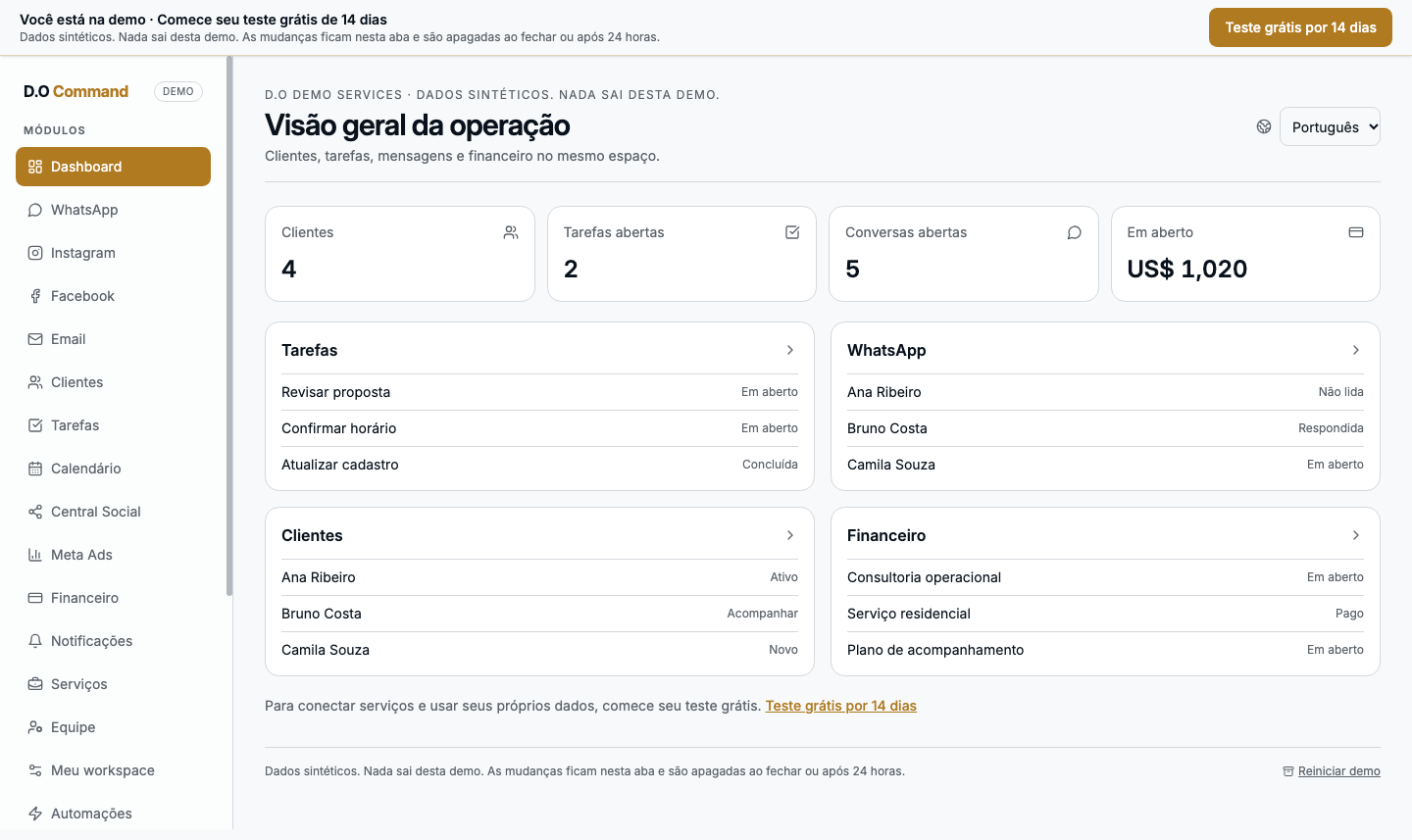
Review activity, tasks, and outstanding balances.
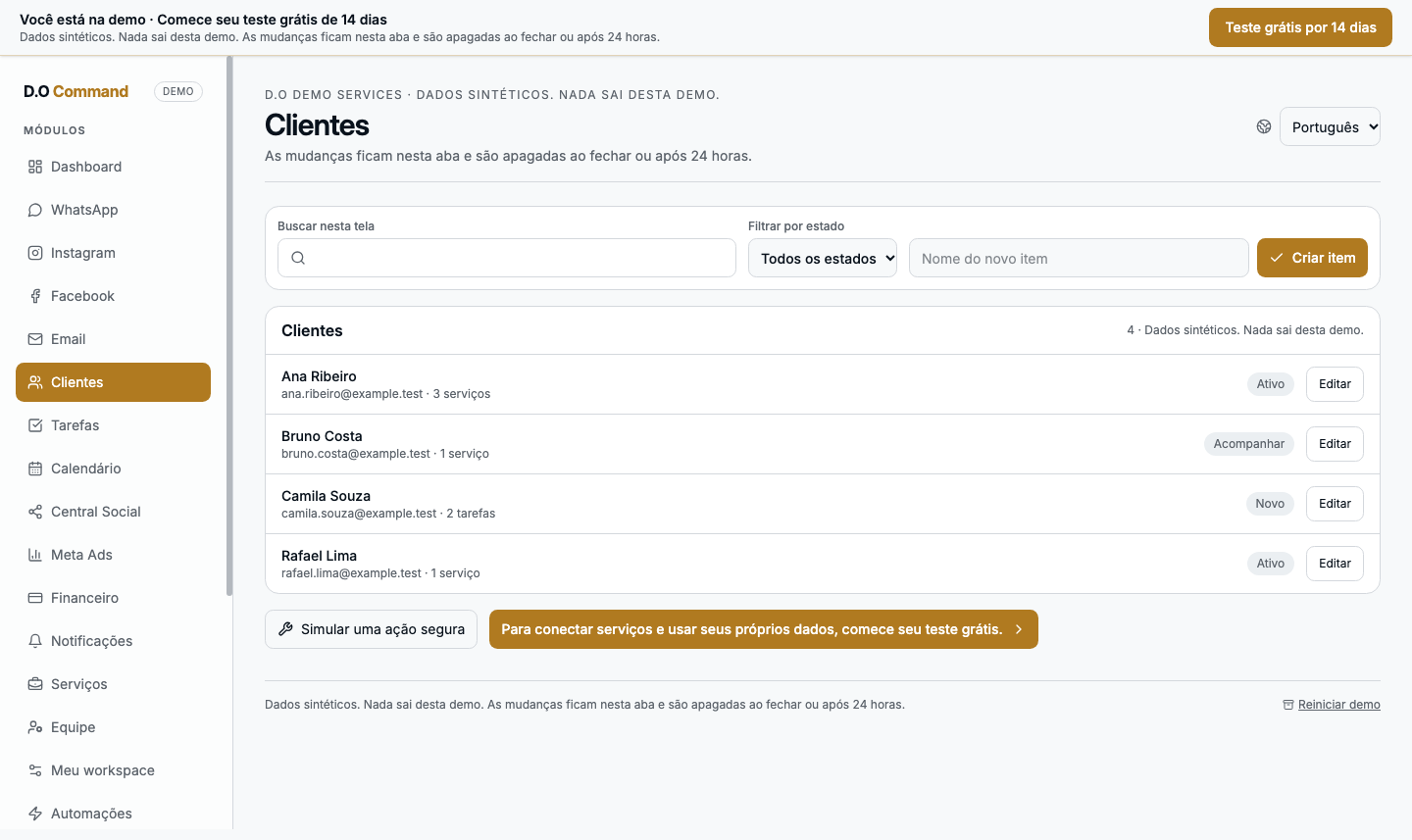
See history and context for each client relationship.
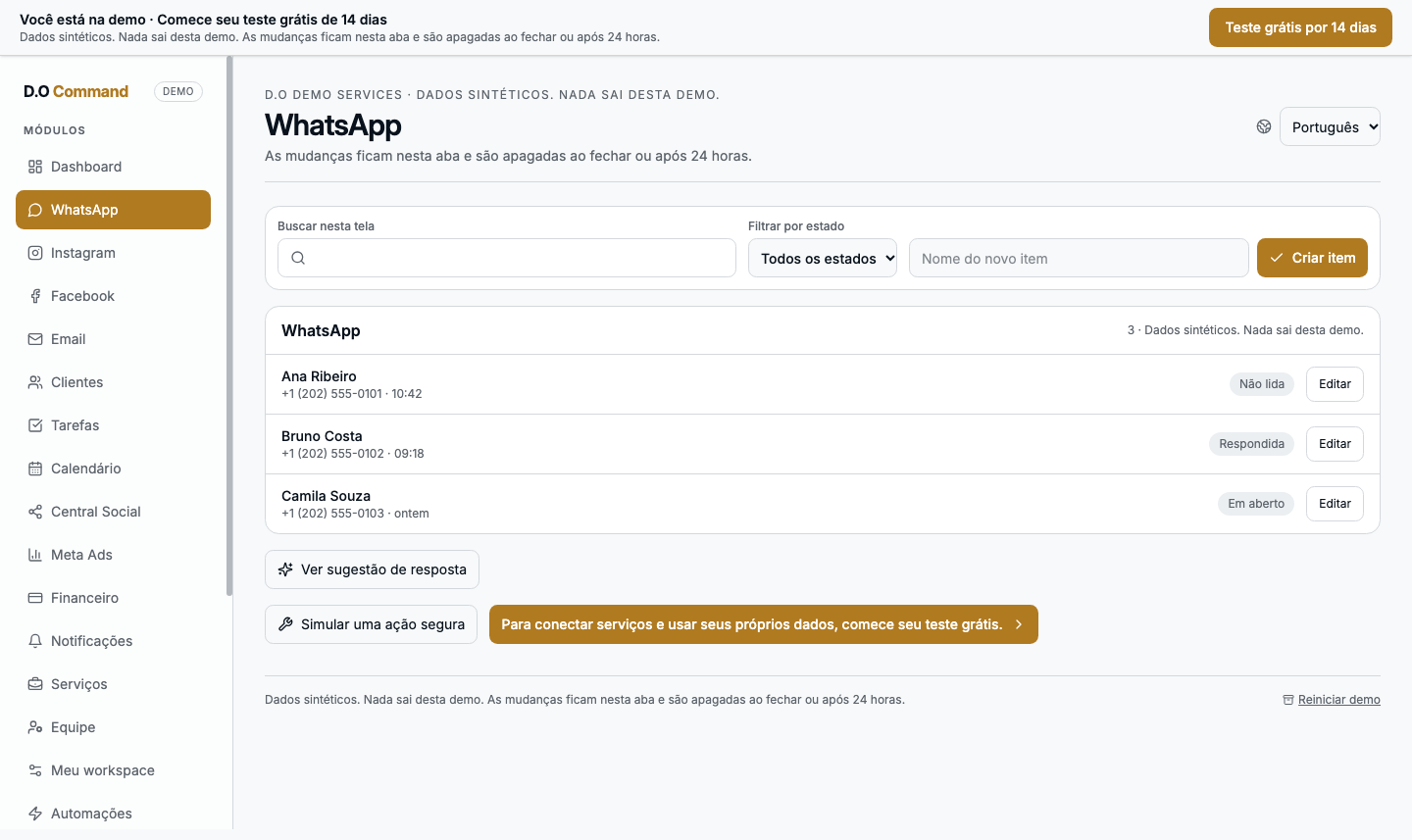
Bring conversations together and prepare replies in one place.
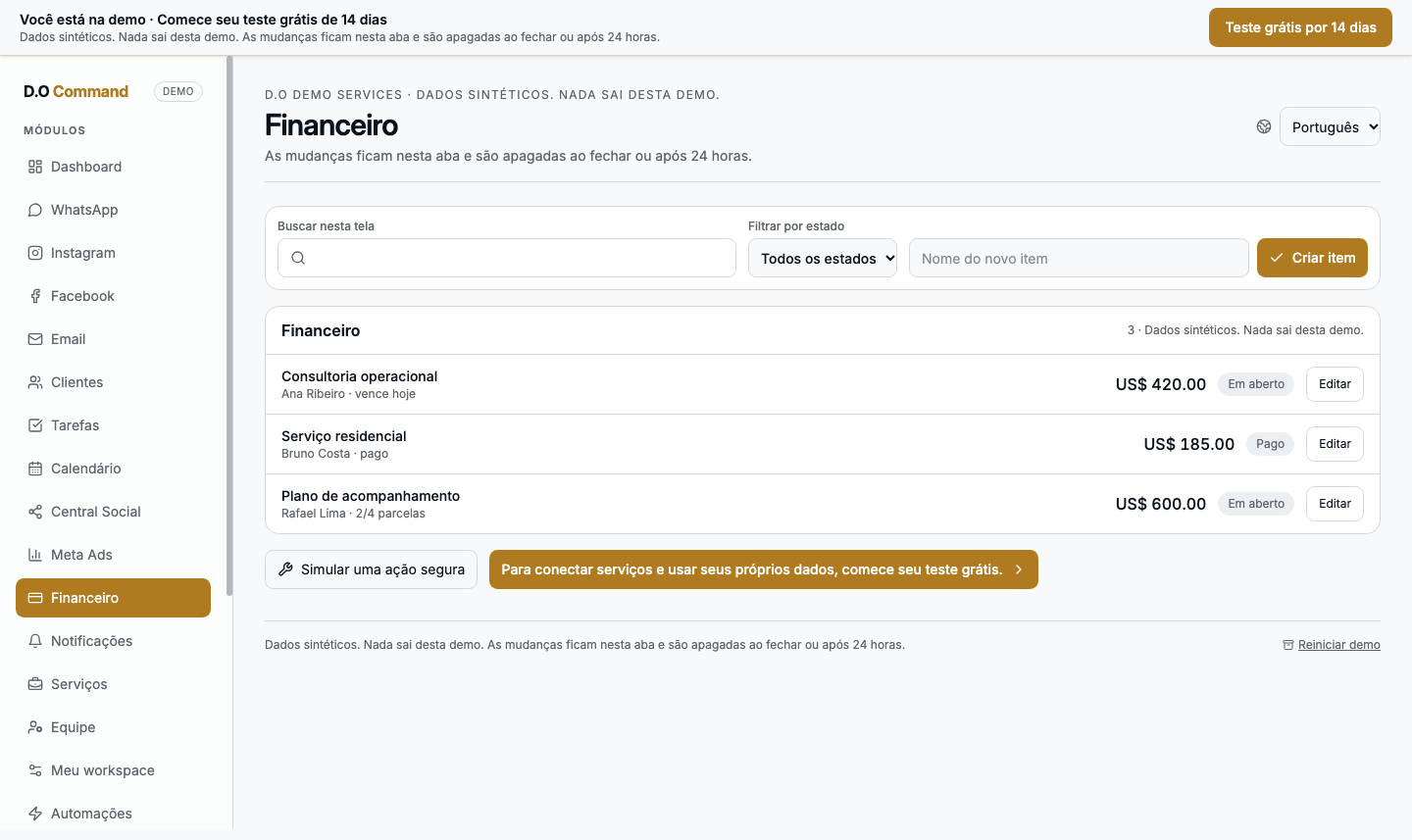
Track services and manually recorded payments.
05 STRUCTURED PERSONALIZATION
D.O Command has structured profiles for immigration and consulting, cleaning services, and professional services. Each workspace is configured from the capabilities currently supported for its profile.
06 WORKSPACES AND DATA
Work is organized in workspaces. The server checks membership and business-level isolation when accessing workspace data.
Teams work in the space associated with their business.
Membership is verified for operations involving workspace data.
Import flows are tied to the active workspace and validated.
We do not advertise compliance certifications. Review the terms and privacy policy before use.
07 FAQ
A workspace to organize client records, tasks and operating context.
Service businesses that need a shared place for client records, tasks and operating context. Features vary by plan and workspace availability.
The plan comparison lists included limits and features. Connections to external providers are available only when approved and configured for your workspace.
Each business operates in a workspace. Membership is checked on the server to protect data associated with that space.
External connections are not automatically included or activated by a subscription. They remain unavailable unless provider approval, configuration and workspace access are in place.
Check the pricing page for current subscription availability. Provider connections depend on approval and workspace setup.
PROBLEM → PROCESS → SYSTEM
Explore D.O Command and see current plans and availability.
See plans